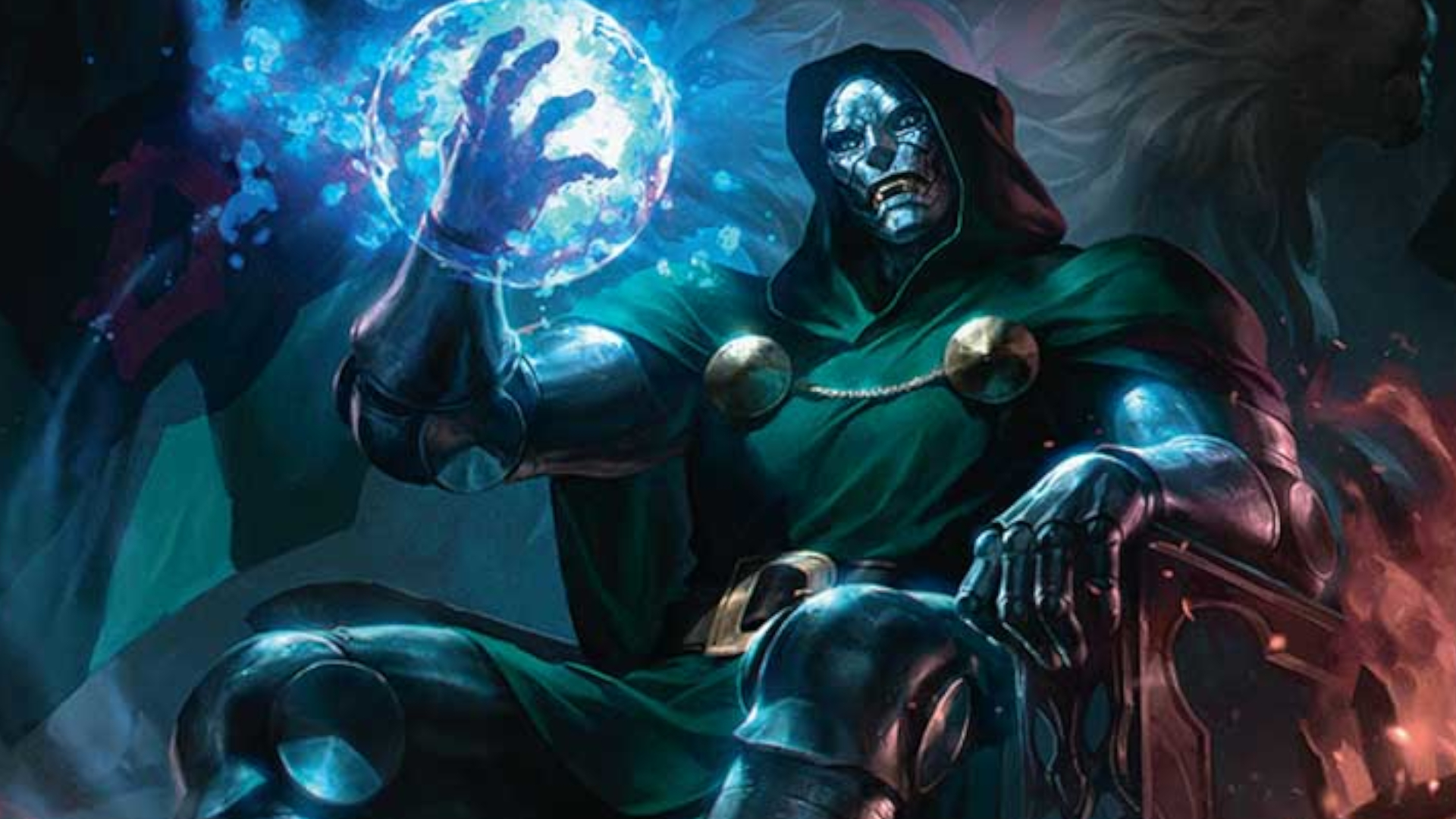
The launch of the Marvel Super Heroes set has introduced a massive wave of new cards, mechanics, and deck archetypes to MTG Arena. While looking through pages of virtual binders to find the perfect addition to a new deck works fine, it is terribly inefficient.
Most players are familiar with standard Scryfall-style text commands like t:creature or mv=3. What Wizards of the Coast hidden inside the patch notes, however, are a series of secret Easter Egg search terms specifically hardcoded for the Marvel universe.
If you are looking to pull up every hero capable of lifting Mjolnir, track down specific items, or filter out cosmic threats in seconds, here are the hidden Marvel search terms you need to know.
1. The „Worthy“ Filter (?worthy)
One of the coolest hidden thematic strings in the engine checks for internal lore parameters. If you want to build an aggressive Boros or Azorius deck featuring characters who possess the moral and physical fortitude to wield Thor’s legendary hammer, typing this phrase yields exact results.
-
The Command:
?worthy -
What it does: Instantly filters your entire collection down to show only non-Villain Legendary creatures in white, blue, or red that fit the mechanical profile of a heroic archetype.
2. Tracking the Cosmos (?is:avenger and ?is:villain)
While you can type t:creature or type names directly, characters frequently share name fragments with spells. To isolate character cards based on their universe factions without false positives, you can use faction indicators.
-
The Command:
?is:avenger -
What it does: Displays all character cards belonging explicitly to the heroic roster, ignoring spells that mention them in their rules or flavor text.
-
The Opposite Command:
?is:villain -
What it does: Instantly curates your collection to display only cards carrying villain properties—perfect for assembling aggressive Rakdos or Grixis villain shells.
3. Isolating the Artifacts of Power (t:Terminus)
The Marvel expansion introduces specialized, powerful equipment and legendary artifacts scattered across the rarity sheets. Rather than searching through every generic artifact or artifact creature, the card classification system utilizes subcategory terms.
-
The Command:
t:Terminus -
What it does: Filters your deckbuilding field down to display cosmic artifacts, including specific power stones and world-altering equipment pieces.
4. Master Combat Assembly (Chaining Lore and Stats)
To show the true power of these hidden descriptors, you can combine these Easter Egg strings with standard MTG Arena math filters. Instead of scrolling through text boxes, paste these complete strings into your search bar to instantly isolate tactical choices:
The Defensive Hero Lineup
-
The String:
?is:avenger tou>=4 -
What it does: Isolates all heroic character cards that feature a toughness stat of 4 or higher. Essential for building a defensive midrange wall or finding blocking units that survive early aggro strategies.
Low-Cost Villain Threats
-
The String:
?is:villain mv<=2 -
What it does: Instantly filters for cheap, low-to-the-ground villain units costing 2 mana or less. Use this configuration to quickly flesh out the early mana curve of a Rakdos aggro or discard deck.
PreconForge Verdict: Code Smarter, Build Faster
The advanced search engine inside MTG Arena is a powerful tool, and these new flavor-focused commands show that the development team enjoys hiding shortcuts for data-focused players. Memorizing these quick parameters saves you valuable minutes during your brewing sessions, allowing you to close the deckbuilder and jump straight into the ranked matches with a perfectly tuned list.
Are you going to use the ?worthy filter to build a heroic deck profile, or are you hunting down resources using the ?is:villain syntax? Let’s keep the digital strategy and advanced deckbuilding discussion moving forward!


